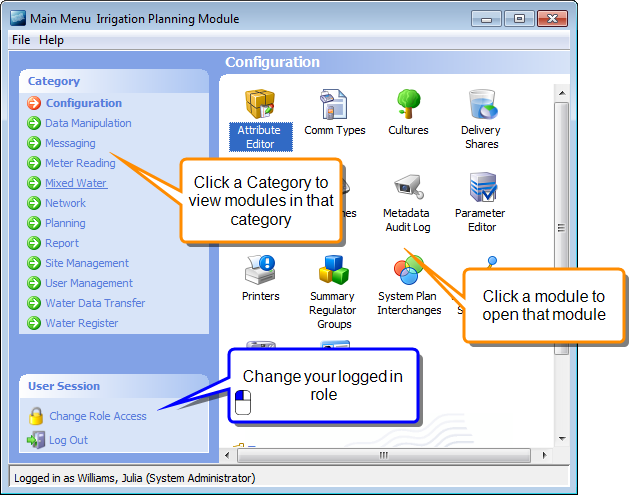
Demand Management System (DMS) Main Menu
The Main Menu is the first screen that you see when you log in to DMS. It contains Modules that are grouped into Categories for easy access to related functions. The modules available depend on what is installed for your site, and what role you have logged in with.
Note
The arrangement of categories and modules in the Main Menu is customised for you. Your layout may differ from that depicted in the documentation.
Getting started with DMS
 Related Topics
Working with SMS
Related Topics
DMS Modules
Related Topics
Layout of the DMS Main Menu