Finding Overlapping Orders
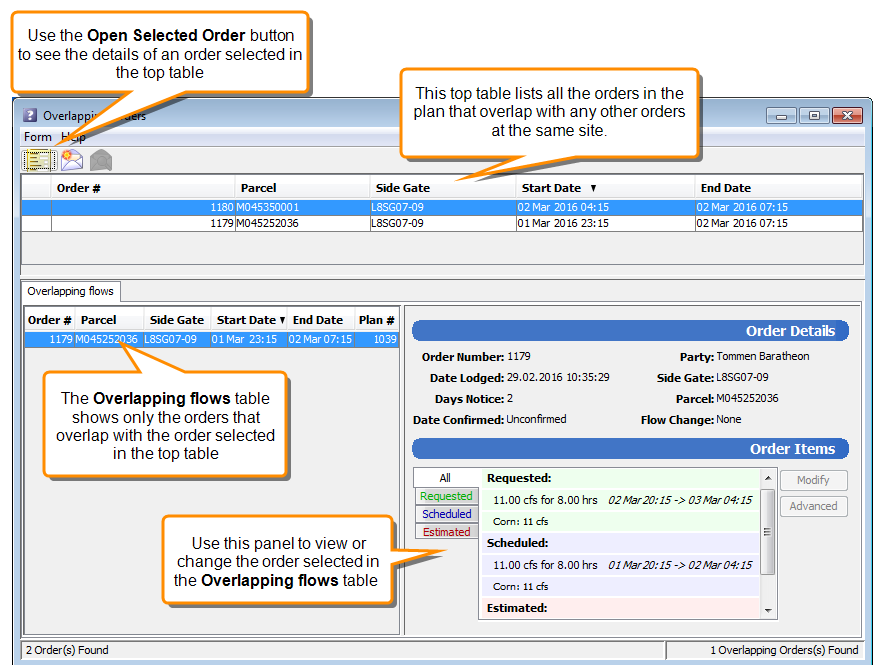
When orders are moved during the planning process, they may overlap with other orders at the same site. There is a tool for viewing and managing overlapping orders. Use this tool to find out which orders are overlapping and to make any necessary changes to correct the overlap.
To open the Overlapping Orders tool, choose Options > Overlapping Orders from the Planning Schematic menu.