Viewing Flow Histograms
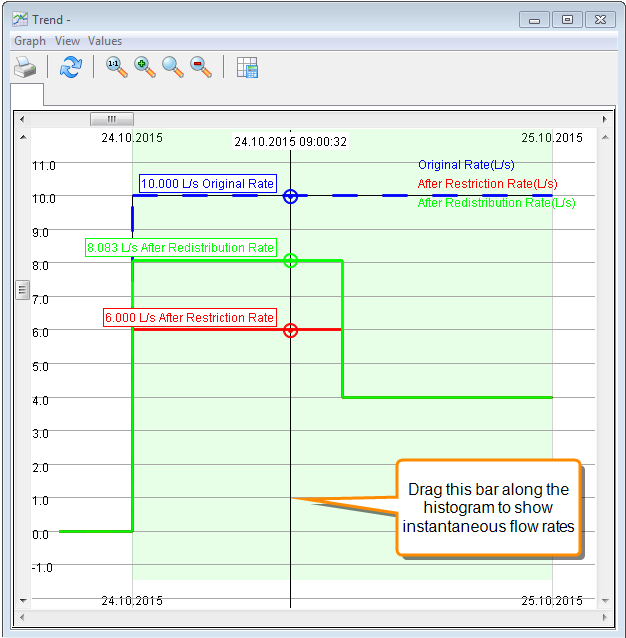
You can view flow histograms for orders on the Rationing Schematic or from the Stored Water Distribution screen.
- To view the flow histogram from the Stored Water Distribution screen, select the order and view the chart at the bottom of the screen, or click the
 Trend button in the Flow Rate column to open the histogram in a new window. These histograms show the expected changes before they are confirmed.
 - To view the flow histogram from the Rationing Schematic, right-click on the order and choose Order Trend from the popup menu. Note that these histograms will show changes after they are applied, so you will not see stored water usage until you have viewed and confirmed the usages in the Stored Water Distribution screen.
- If you have created supply curves, select View > Show Supply Capacity Flow in the Trend main menu to toggle the supply capacity curve. See Supply Matching Tool for more details.